Webmaker/pet website: Difference between revisions
< Webmaker
Jump to navigation
Jump to search
No edit summary |
No edit summary |
||
| (One intermediate revision by one other user not shown) | |||
| Line 1: | Line 1: | ||
< | <strong>Because pets need web love, too! </strong> Use the handy "<a href="https://www.scrollkit.com/s/6034">Scroll Kit Editor</a>" to create a cute pet page fast, then share it with the world. | ||
< | |||
</ | |||
<img class="alignnone" title="I am dog!" src="https://wiki.mozilla.org/images/c/c6/I_am_dog_I_like_balls.png" alt="" width="536" height="314" /> | |||
<h3>Get started</h3> | |||
<ol> | |||
<li><strong>Check out these current pet page examples using the</strong> <a href="https://www.scrollkit.com/s/6034">Scroll Kit Editor</a>. It works like a slideshow -- just click on the right-hand arrow to advance.</li> | |||
<li><strong>Add your own.</strong> Once you reach the end of the examples, click the "<strong>+ add to the scroll</strong>" button.</li> | |||
<li><strong>Start editing.</strong> Upload pictures of your pet. Bring their personality to the web!</li> | |||
<li><strong>Publish and share your creation.</strong> <a href="http://take-a-screenshot.org/ ">Take a screenshot</a> of your work for easy sharing. Be sure to tweet your screenshot with the <a href="https://twitter.com/#!/search/realtime/scrollpet">#scrollpet</a> hashtag!</li> | |||
</ol> | |||
</ | |||
</ | |||
Latest revision as of 20:13, 6 July 2012
Because pets need web love, too! Use the handy "<a href="https://www.scrollkit.com/s/6034">Scroll Kit Editor</a>" to create a cute pet page fast, then share it with the world.
<img class="alignnone" title="I am dog!" src="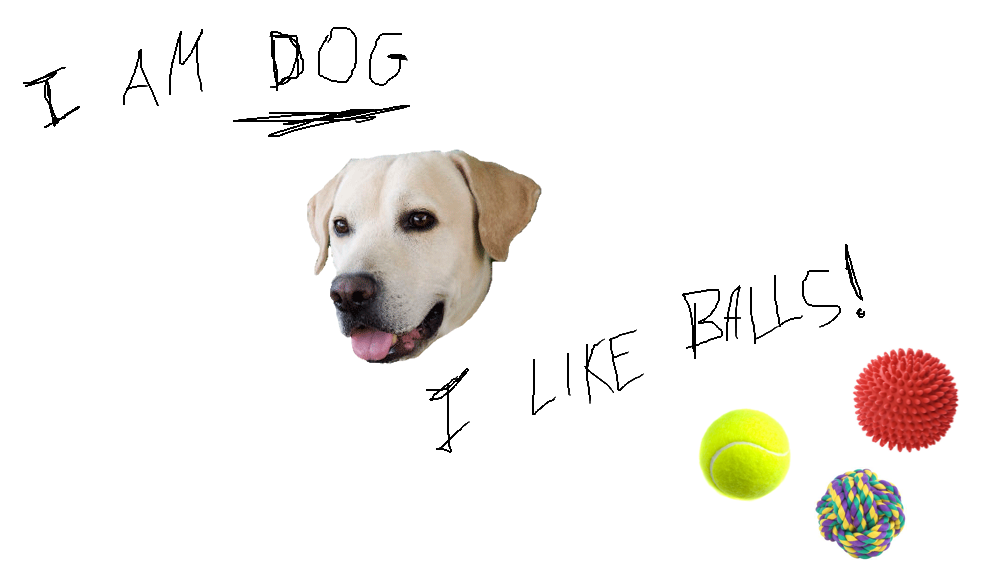 " alt="" width="536" height="314" />
Get started
- Check out these current pet page examples using the <a href="https://www.scrollkit.com/s/6034">Scroll Kit Editor</a>. It works like a slideshow -- just click on the right-hand arrow to advance.
- Add your own. Once you reach the end of the examples, click the "+ add to the scroll" button.
- Start editing. Upload pictures of your pet. Bring their personality to the web!
- Publish and share your creation. <a href="http://take-a-screenshot.org/ ">Take a screenshot</a> of your work for easy sharing. Be sure to tweet your screenshot with the <a href="https://twitter.com/#!/search/realtime/scrollpet">#scrollpet</a> hashtag!